Power outage backup: how to choose and use a portable power station
Updated Oct 3, 2026
We may earn a commission when you buy through links on this page. As an Amazon Associate I earn from qualifying purchases.
A power station won't run your whole house, but it can keep what matters most running: food cold, phones charged, internet on, and medical devices powered. Here's how to plan for it.
1. Decide what really needs power
Rank your devices:
- Essential: medical devices (CPAP, oxygen concentrator), fridge and freezer, phones, a few lights.
- Important: Wi-Fi router and modem, a laptop for work, sump pump during storms.
- Nice to have: TV, coffee maker, fans.
Plug your essentials into the runtime calculator to see what size covers them.
General information, not medical advice. Power stations are not certified medical backup devices. For life-sustaining equipment such as oxygen concentrators, keep a backup plan, ask your equipment supplier, and register with your utility’s medical-priority program.
2. Size for your typical outage
Most US outages last hours, not days. A 1 kWh station covers a fridge, router and phones for about half a day; add a solar panel and it can stretch much further. For multi-day outages, choose 2 kWh or more, or a model that takes extra batteries, and plan to recharge with solar.
| Power station | Capacity | Runtime |
|---|---|---|
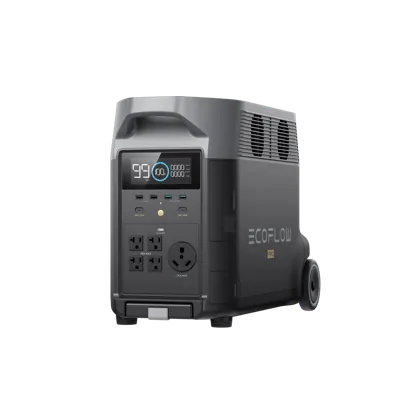 EcoFlow DELTA Pro EcoFlow DELTA Pro | 3,600 Wh | 6.4 days |
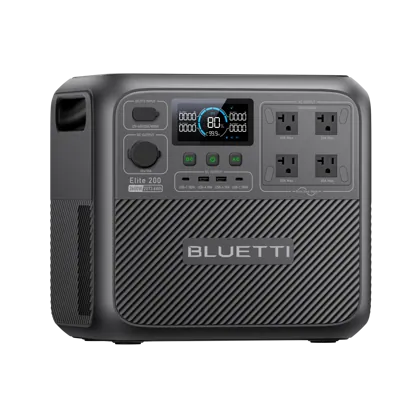 BLUETTI Elite 200 V2 BLUETTI Elite 200 V2 | 2,074 Wh | 3.7 days |
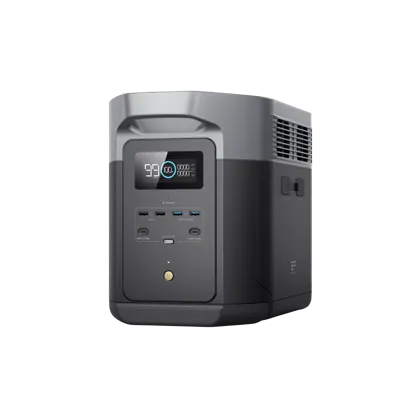 EcoFlow DELTA 2 Max EcoFlow DELTA 2 Max | 2,048 Wh | 3.6 days |
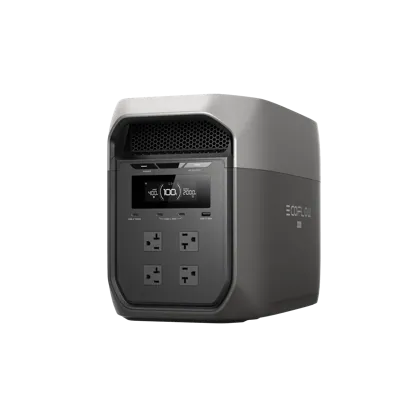 EcoFlow DELTA 3 Max EcoFlow DELTA 3 Max | 2,048 Wh | 3.6 days |
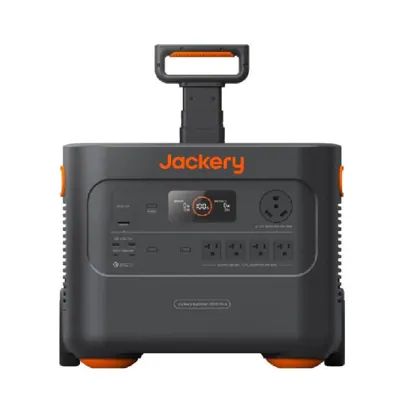 Jackery Explorer 2000 Plus Jackery Explorer 2000 Plus | 2,042 Wh | 3.6 days |
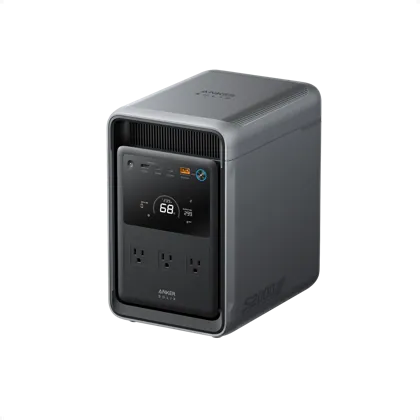 Anker SOLIX S2000 Anker SOLIX S2000 | 2,010 Wh | 3.6 days |
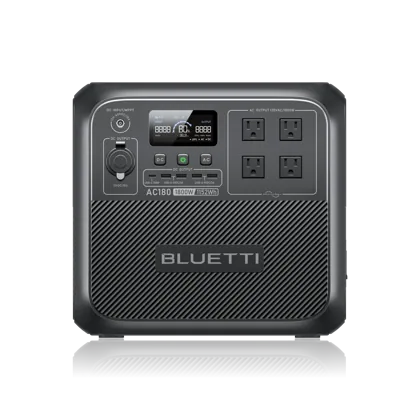 BLUETTI AC180 BLUETTI AC180 | 1,152 Wh | 2.0 days |
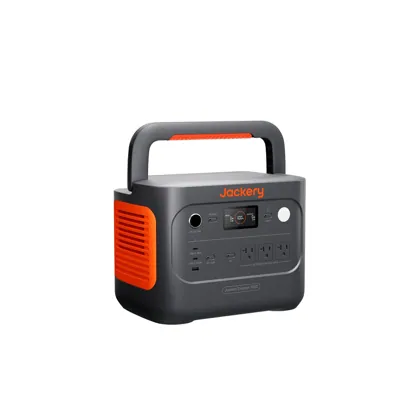 Jackery Explorer 1000 v2 Jackery Explorer 1000 v2 | 1,070 Wh | 45.5 h |
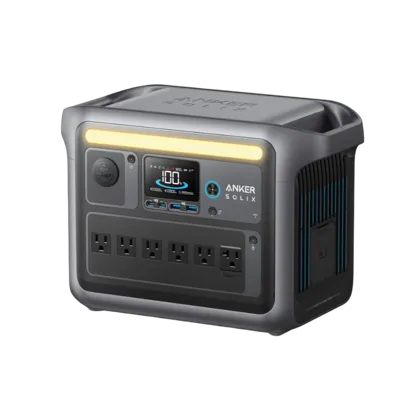 Anker SOLIX C1000 Anker SOLIX C1000 | 1,056 Wh | 44.9 h |
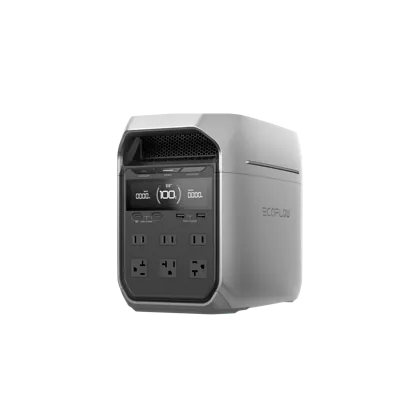 EcoFlow DELTA 3 Plus EcoFlow DELTA 3 Plus | 1,024 Wh | 43.5 h |
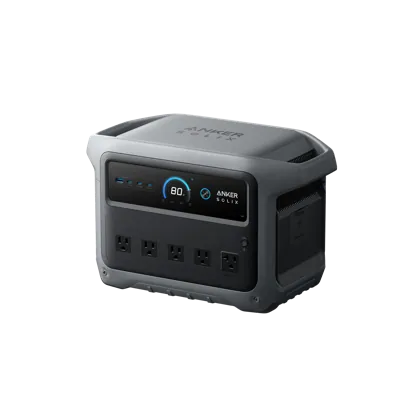 Anker SOLIX C1000 Gen 2 Anker SOLIX C1000 Gen 2 | 1,024 Wh | 43.5 h |
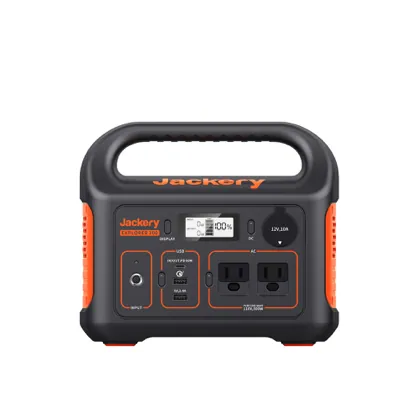 Jackery Explorer 300 Jackery Explorer 300 | 293 Wh | 12.5 h |
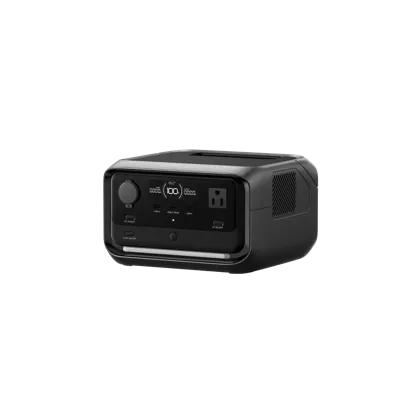 EcoFlow RIVER 3 Plus EcoFlow RIVER 3 Plus | 286 Wh | 12.2 h |
3. Use UPS mode for things that can't go off
Many stations can sit between the wall and your devices, passing power through and switching to battery automatically when the grid fails. Fast switchover (10–20 ms) keeps routers, computers and CPAP machines running without a blip. Check the spec before relying on it for sensitive equipment.
4. Keep it charged and ready
- Store it at 60–80% if you won't use it for months, and top it up before storm season.
- Keep the AC charging cable and any solar cables with the station.
- Test it twice a year by running your fridge from it for an hour.
5. Connecting to your home circuits
Never plug a power station into a wall outlet to "backfeed" the house. It's dangerous for you and for utility workers. To power hardwired circuits like a furnace or well pump, have an electrician install a transfer switch or power inlet compatible with your station.
Our home backup picks
Anker · Mid-size
SOLIX C1000 Gen 2
- 1,024Wh
- 2,000W out
- 24.9lb
The fastest-charging 1 kWh station here (49 minutes from the wall), with 2,000 W output, 4,000 cycles and a 10 ms UPS, at under 25 lb.
EcoFlow · Large
DELTA 3 Max
- 2,048Wh
- 2,400W out
- 44.8lb
2 kWh and 2,400 W in a lighter body than the DELTA 2 Max (44.8 lb), with 0–80% wall charging in about 68 minutes. It isn’t expandable; the Max Plus version is.
Jackery · Large
Explorer 2000 Plus
- 2,042Wh
- 3,000W out
- 62lb
2 kWh with 3,000 W output and expansion to 12 kWh with add-on batteries. Aimed at whole-home backup, with wheels to make its 62 lb manageable.
As an Amazon Associate I earn from qualifying purchases.
See the full ranking: best power stations for home backup.